
profile photo

Από
melissa1973
Featured Replies
Πρόσφατες Απαντήσεις
-
Καλό μήνα κορίτσια και καλο καλοκαιρακι! Βλεπω ησυχία στο φορουμ ελπιζω γιατι οι περισσοτερες απέκτησαν το μωρακι τους. Για οσες απέμειναν ειμαστε εδω. Η ξενοιασια κ η ζέστη του καλοκαιριού να φέρει ομορφες εκπλήξεις!🫶🫶🫶
-
Ξεκινάω αυτή τη συζήτηση ψάχνοντας να βρω άλλες γυναίκες που έχουν ΠΗΤ τον Δεκέμβριο. Εμένα η ΠΗΤ μου είναι 24/12 και στις 16/06 είναι το ραντεβού της αυχενικής διαφάνειας. Έχω αρκετό άγχος και οι μέρες δεν φαίνεται να περνάνε με τίποτα.
-
Καλησπέρα κορίτσια διστακτικά είπα να ανοίξω το θεματάκι για τα μωράκια του Μαΐου εγώ είμαι 9 εβδ σήμερα πήγα γιατρό μου είπε μετά της 28/10 να κλείσω ραντεβού για την αυχενική είναι καμιά άλλη κοπέλα να γεννάει Μάιο ;;
-
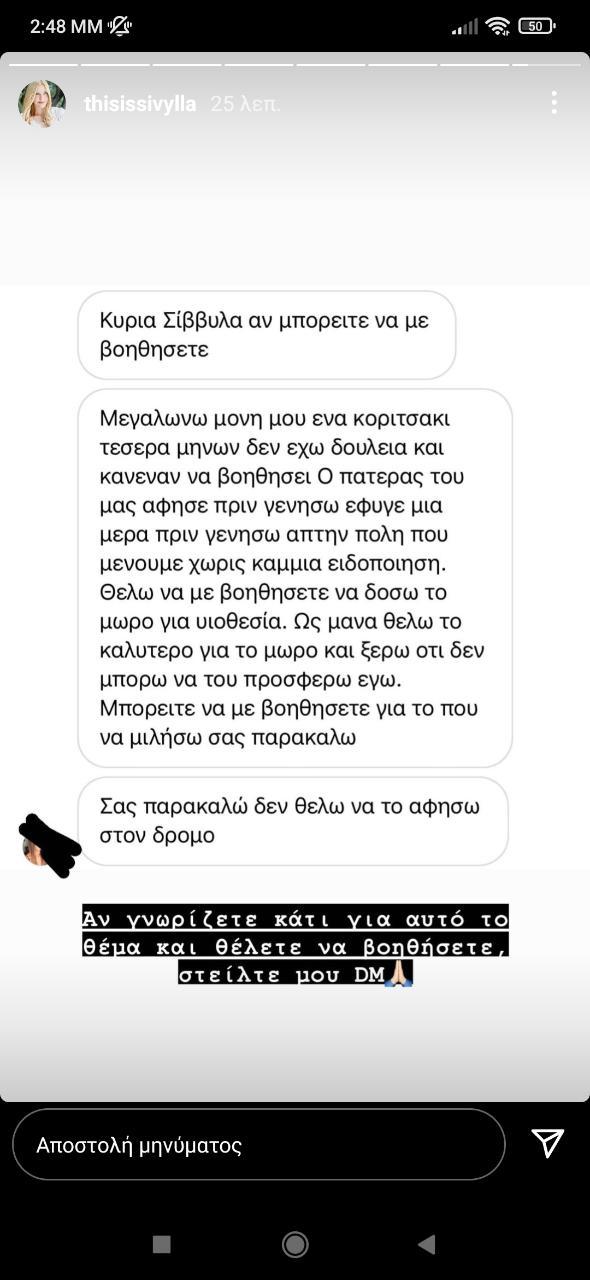
Είμαι μια γυναίκα 49 ετών που έχει προσπαθήσει για χρόνια να κάνει παιδί με διάφορες ιατρικές μεθόδους. Μέσα από όλη αυτή την προσπάθεια δεν απογοητεύτηκα γιατί πάντα πίστευα πως αν δεν μπορέσω να μείνω έγκυος, θα υιοθετήσω .Ο σύντροφός μου με στηρίζει πολύ σε αυτό και έχω ξεκινήσει να εκδίδω τα πιστοποιητικά που απαιτούνται για υιοθεσία από κρατικά ιδρύματα. Η διαδικασία διαπίστωσα ότι είναι χρονοβόρα και με αμφίβολο αποτέλεσμα. Μπορεί κάποιος αν γνωρίζει να με βοηθήσει για τον δρόμο της ιδιω
-
Καλημέρα, κορίτσια! Αυτή την εβδομάδα μπαίνω αισίως στην 7η εβδ, κι είμαι χάλια. Επειδή οι τιμές μου (χοριακή και προγεστερόνη) ήταν πολύ αυξημένες από πολύ νωρίς, έχει ξεκινήσει το πανηγύρι από την 4η εβδομάδα. Τώρα είμαι κάθε μέρα και χειρότερα. Ναυτία όλη μέρα (χωρίς εμετούς ευτυχώς), κακό στομάχι (να θέλω να ρευτω και να παθαίνω παλινδρόμηση), ζάλη, τάση λιποθυμίας. Πέρασα μέρες που δεν μπορούσα να φάω ουτε να πιω γουλια νερό. Έχω τώρα 3 μέρες που με την σύμφωνη γνώμη του γιατρού ξεκίνησα να
-
Θα ήθελα να μοιραστώ την εμπειρία μου από την πρόσφατη προσπάθεια εξωσωματικής, και να ρωτήσω αν κάποια είχε παρόμοιο πρωτόκολλο ή αποτέλεσμα. Είμαι 37 ετών και έχω κάνει 2 αποτυχημένες προσπάθειες εμβρυομεταφοράς. Ξεκινήσαμε εξωσωματική λόγο προβλήματος του συζύγου. Όλα πήγαν καλά και είχαμε 6 βλαστοκύστες. Η πρώτη προσπάθεια δεν πέτυχε και ο γιατρός το θεώρησε τυχαίο. Έκανα την δεύτερη εμβρυομεταφορά μου την Παρασκευή 6/6. Ήταν έμβρυο 5ης ημέρας, ΑΑ. Η προετοιμασία ξεκίνησε από την
-
καλημέρα κορίτσια θέλω τη βοήθειά σας και τις εμπειρίες σας. έχω κάνει τρεις εξωσωματικές και θέλω να αλλάξω γιατρό έχετε να μου προτείνετε κάποιον που μείνατε ευχαριστημένες και είχατε επιιτυχία? έκανα στο υγεία με τον ζερβομανωλάκη (δεν το εψαξε καθόλου το θέμα δεν μου άρεσε καθο΄λου) και στο γένεσις με τον πάντο
-
Κορίτσια είναι καμιά άλλη που γεννάει πρώτα ο θεός Απρίλιο;;; Για να δούμε😁 εγώ είμαι 7+3 σήμερα! Ελπίζω να βρω κιαλλη χαχαχ
-
Καλημέρα σε όλους. Έχω ένα προωρακι. Είμαστε στον τέταρτο μήνα, διορθωμένη 2+20 μέρες. Πριν δύο βδομάδες σταδιακά άρχισε να αρνείται το πρωινό φαγητο και να τρώει μόνο το βράδυ και κυρίως στον ύπνο. Έχω δοκιμάσει τα πάντα από μπιμπερο κ πιπίλες. Έχουμε κάνει ένα σωρό εξετάσεις για λοιμώξεις κτλ , όλα καλά . Οι γιατροί δεν έχουν να πουν κάτι κ να δώσουν λύση κ εγώ κοντεύω να τρελαθώ. Υπάρχει κανείς που να του έχει τύχει το ίδιο;
-
Κορίτσια είπα να ανοίξω το θεματακι του Απριλίου.. Εύχομαι μαζί με την άνοιξη που θα έρθει να φέρει μαζί του και πολύ μπεμπεδοσκονη 💙🩷








Νέες Συζητήσεις
-
καλημέρα κορίτσια θέλω τη βοήθειά σας και τις εμπειρίες σας. έχω κάνει τρεις εξωσωματικές και θέλω να αλλάξω γιατρό έχετε να μου προτείνετε κάποιον που μείνατε ευχαριστημένες και είχατε επιιτυχία? έκανα στο υγεία με τον ζερβομανωλάκη (δεν το εψαξε καθόλου το θέμα δεν μου άρεσε καθο΄λου) και στο γένεσις με τον πάντο
-
Καλημέρα σε όλους. Έχω ένα προωρακι. Είμαστε στον τέταρτο μήνα, διορθωμένη 2+20 μέρες. Πριν δύο βδομάδες σταδιακά άρχισε να αρνείται το πρωινό φαγητο και να τρώει μόνο το βράδυ και κυρίως στον ύπνο. Έχω δοκιμάσει τα πάντα από μπιμπερο κ πιπίλες. Έχουμε κάνει ένα σωρό εξετάσεις για λοιμώξεις κτλ , όλα καλά . Οι γιατροί δεν έχουν να πουν κάτι κ να δώσουν λύση κ εγώ κοντεύω να τρελαθώ. Υπάρχει κανείς που να του έχει τύχει το ίδιο;
-
Ξεκινάω αυτή τη συζήτηση ψάχνοντας να βρω άλλες γυναίκες που έχουν ΠΗΤ τον Δεκέμβριο. Εμένα η ΠΗΤ μου είναι 24/12 και στις 16/06 είναι το ραντεβού της αυχενικής διαφάνειας. Έχω αρκετό άγχος και οι μέρες δεν φαίνεται να περνάνε με τίποτα.
-
Καλησπέρα σας, Χρειάζομαι την βοήθεια σας για την έρευνα που πραγματοποιώ στο διδακτορικό μου. Πραγματοποιώ το διδακτορικό μου στο Πανεπιστήμιο Αιγαίου και στο πλαίσιο της έρευνάς μου διεξάγω ένα ερωτηματολόγιο στο γενικό πληθυσμό της χώρας σχετικά με τις στάσεις, τις αντιλήψεις και τις επιλογές μετακίνησης, καθώς και τη χρήση μικροκινητικότητας στις πόλεις. Αυτή τη στιγμή υπάρχει σοβαρή ανάγκη για περισσότερες συμμετοχές από γυναίκες, ώστε να μπορέσει να ισορροπήσει το δείγμα και να γίνει πιο
-
Καλησπερα κοριτσια!🫶 Ευχομαι τα καλυτερα σε ολες τις μανουλες και σε ολες όσες προσπαθούμε 💝 Βρισκόμαι στην αναμονη για να μαθω εαν ειμαι εγκυος και ειλικρινά δεν περνανε οι μερες, η επαφη εγινε Δευτερα ειχα ακομα 2-3 μερες για περιοδο, εφτασα τις μερες καθυστέρησης 3 κ εκανα τεστ σαββατο για να αποκλείσω εγκυμοσύνη απο παλιες επαφες κ ήταν αρνητικό (παρολο που νομιζω πως υπηρχε μια παρα πολυ αχνη γραμμη , μπορει να μην υπηρχε καν και να την ειδα μονη μου😂) ωστοσο μεχρι και σημερα εχω καθυστερη


Συμμετοχή στη συζήτηση
Μπορείτε να γράψετε τώρα το μήνυμά σας και να εγγραφείτε μετά. Αν έχετε ήδη λογαριασμό, συνδεθείτε τώρα για να δημοσιεύσετε το μήνυμα με το ψευδώνυμό σας.