
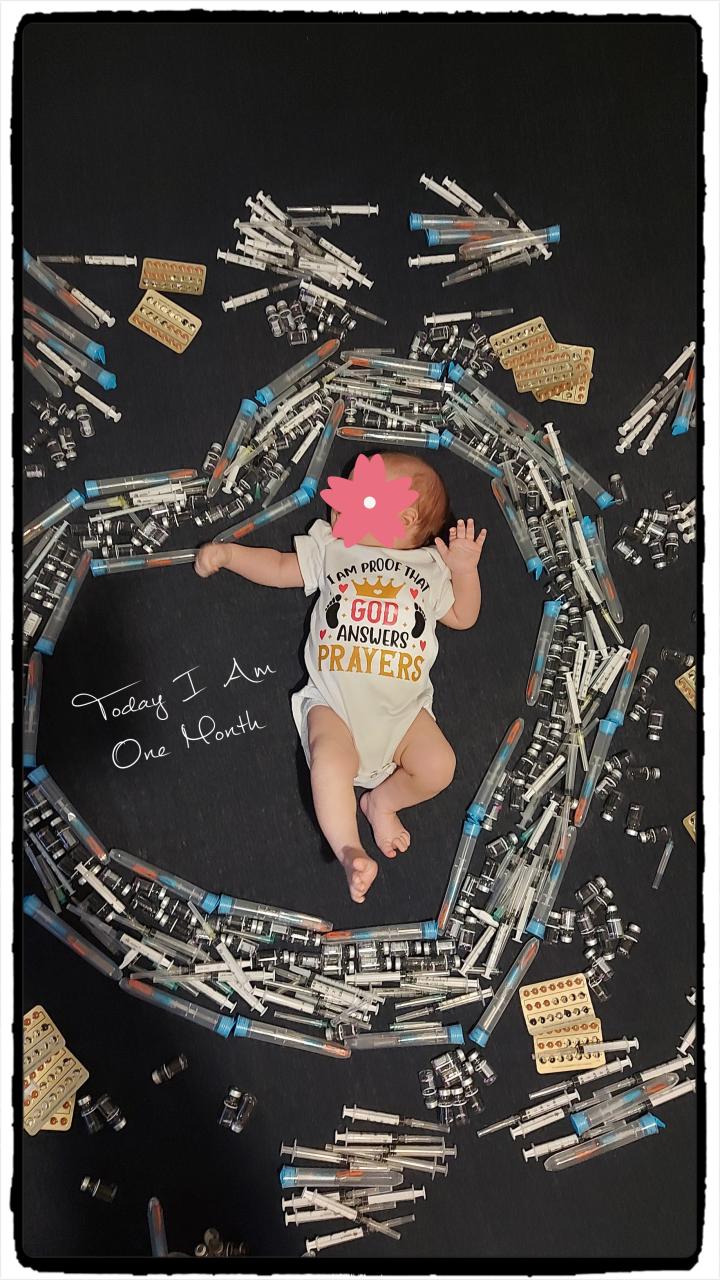
KAΛΗ ΕΠΙΤΥΧΙΑ ΣΤΗΝ Andria ΜΑΣ!!!!!!!!!!!

Από
bell
Featured Replies
Πρόσφατες Απαντήσεις
-
Καλησπέρα κορίτσια διστακτικά είπα να ανοίξω το θεματάκι για τα μωράκια του Μαΐου εγώ είμαι 9 εβδ σήμερα πήγα γιατρό μου είπε μετά της 28/10 να κλείσω ραντεβού για την αυχενική είναι καμιά άλλη κοπέλα να γεννάει Μάιο ;;
-
Έχουμε άλλες μαμαδές που να περιμένουν το θαυματάκι τους τον Μάρτη του 2026;; Για να μαζευόμαστε να λέμε τα νέα μας
-
Κορίτσια καλησπέρα 👋🏻 Θα ήθελα λίγο τα φώτα σας γιατί έχω αρχίσει να μπερδεύομαι σχετικά με τα επιδόματα και τις άδειες… Η ΠΗΤ μου είναι 29/08 και προσπαθώ να οργανώσω τα πράγματα από τώρα. Το θέμα μου είναι κυρίως με τη δουλειά 😕 Ο υπέυθυνος γενικά είναι δύσκολο στην συνεργασία και έχω μια ανησυχία γιατί δεν έχουν τακτοποιηθεί πλήρως κάποια υπόλοιπα απο άδειες του 2025 και μου λέει ότι θα μου δώσει τα χρήματα μέσα στο καλοκαίρι. Φοβάμαι μήπως μπλέξω τώρα που θα ξεκινήσουν οι άδειες εγκυμοσύνης.
-
Καλησπέρα σε όλους! Θα ήθελα πολύ τη γνώμη σας γιατί έχω μπερδευτεί αρκετά και αγχώνομαι… Περιμένω διδυμάκια και θα γεννήσω με καισαρική. Δεν παίρνω αντιπηκτικές ενέσεις. Ο γιατρός μου μου προτείνει να κάνω επισκληρίδιο, λέγοντάς μου ότι αν δεν την κάνω θα πονάω πολύ μετά το χειρουργείο. Δηλαδή, με ενεημέρωσε ότι ακόμα κι αν κάνω γενική αναισθησία, θα χρειαστεί και επισκληρίδιο μετά για τον πόνο, κάτι που με αγχώνει ακόμα περισσότερο. Όμως εγώ φοβάμαι πάρα πολύ την επισκληρίδιο… γενικά η όλη δια
-
Καλησπέρα σας. Θα ήθελα να μάθω πότε παύει να ισχύει η προστασία μητρότητας και μπορεί πλέον να γίνει απόλυση (καταγγελία σύμβασης από εργοδότη) σε ιδιωτική μισθωτή υπάλληλο, ώστε να μπορεί να μπει στο ταμείο ανεργίας. Αφορά την αδερφή μου. Γέννησε 16/6/2025 ενώ είχε πητ 1/7/2025, το 9μηνο της λήγει τον Ιούνιο και θα πάρει και το 4μηνο ανατροφής τέκνου, άρα θα πρέπει να επιστρέψει στην εργασία της κατά τον Οκτώβριο με μειωμένο ωράριο κατά μία ώρα για περίπου 2 έτη. Επειδή σκέφτεται να σταματήσε
-
Κορίτσια είναι καμιά άλλη που γεννάει πρώτα ο θεός Απρίλιο;;; Για να δούμε😁 εγώ είμαι 7+3 σήμερα! Ελπίζω να βρω κιαλλη χαχαχ
-
Κορίτσια είπα να ανοίξω το θεματακι του Απριλίου.. Εύχομαι μαζί με την άνοιξη που θα έρθει να φέρει μαζί του και πολύ μπεμπεδοσκονη 💙🩷
-
Καλησπέρα κάνατε κάποια συγκεκριμένη προετοιμασία- δοατροφη τις προηγούμενες ημέρες πριν την Κούλη ζαχάρου;είχε κλείσει ραντεβού στο διαγμωστικο
-
Aλλο ένα αρνητικό, άλλο ένα «Δε πειραζει, θα τα καταφερεις», άλλη μία απογοήτευση.. Παλι θα μετραω τις εγκυους που περνανε από δίπλα μου, πάλι θα κοιταζω τα μωρακια που βλέπω στο δρόμο, πάλι θα χαζευω κουνιες και ρουχαλακια χωρίς να εχω λόγο… Ο δρόμος είναι μακρύς και δύσκολος… κοιταζω πίσω μου και πλεον δε θυμαμαι πως ηταν πριν ξεκινησω… εχω ακόμα πολύ…δε ξερω πότε θα φτασω.... τωρα γίνεται ακόμα πιο δυσκολος... Εύχομαι όσα κορίτσια προσπαθούν, να φτασουν επιτελους στη μητρότητα.
-
@Παρασκευαιδου @melitiniღ @Kateriniw μετακομιζουμε εδώ λοιπόν!! Με το καλό να μαζευτούμε να λέμε να νέα μας! Τελειομηνες εγκυμοσύνες σε όλες μας!



.thumb.jpg.7907cf647c6553479c49b1ceb37e5f1b.jpg)










Νέες Συζητήσεις
-
Καλησπέρα κάνατε κάποια συγκεκριμένη προετοιμασία- δοατροφη τις προηγούμενες ημέρες πριν την Κούλη ζαχάρου;είχε κλείσει ραντεβού στο διαγμωστικο
-
Καλησπέρα.. μέλλουσα μανούλα σε δίδυμα μονοχωριακά 8 εβδομάδων εδώ.. σήμερα φάνηκε ένα μεγάλο αιμάτωμα στον υπέρηχο, εχει κάποια εμπειρία σε αυτό?? Καρδούλες ακούσαμε κανονικά βέβαια... Εχω κ ένα σωρό άλλα βέβαια στο κεφάλι μου που με αγχωνουν , αλλά ας ξεκινήσουμε με αυτό την συζήτηση!
-
Καλησπέρα, Πωλούνται βιταμίνες που βελτιώνουν την γυναικεία (fertilimax και ovamax) και ανδρική αναπαραγωγικότητα (mfs plus). Αγοράστηκαν τον Ιανουάριο του 2026 και πωλούνται 50€ η μια. είναι σφραγισμένες και λήγουν τέλη του 2028. Όποιος ενδιαφέρεται να στείλει email xr.laskaratou@yahoo.com και θα επικοινωνήσω μαζί του. Ευχαριστώ.
-
Καλησπέρα σας. Θα ήθελα να μάθω πότε παύει να ισχύει η προστασία μητρότητας και μπορεί πλέον να γίνει απόλυση (καταγγελία σύμβασης από εργοδότη) σε ιδιωτική μισθωτή υπάλληλο, ώστε να μπορεί να μπει στο ταμείο ανεργίας. Αφορά την αδερφή μου. Γέννησε 16/6/2025 ενώ είχε πητ 1/7/2025, το 9μηνο της λήγει τον Ιούνιο και θα πάρει και το 4μηνο ανατροφής τέκνου, άρα θα πρέπει να επιστρέψει στην εργασία της κατά τον Οκτώβριο με μειωμένο ωράριο κατά μία ώρα για περίπου 2 έτη. Επειδή σκέφτεται να σταματήσε
-
Κορίτσια καλησπέρα 👋🏻 Θα ήθελα λίγο τα φώτα σας γιατί έχω αρχίσει να μπερδεύομαι σχετικά με τα επιδόματα και τις άδειες… Η ΠΗΤ μου είναι 29/08 και προσπαθώ να οργανώσω τα πράγματα από τώρα. Το θέμα μου είναι κυρίως με τη δουλειά 😕 Ο υπέυθυνος γενικά είναι δύσκολο στην συνεργασία και έχω μια ανησυχία γιατί δεν έχουν τακτοποιηθεί πλήρως κάποια υπόλοιπα απο άδειες του 2025 και μου λέει ότι θα μου δώσει τα χρήματα μέσα στο καλοκαίρι. Φοβάμαι μήπως μπλέξω τώρα που θα ξεκινήσουν οι άδειες εγκυμοσύνης.


Συμμετοχή στη συζήτηση
Μπορείτε να γράψετε τώρα το μήνυμά σας και να εγγραφείτε μετά. Αν έχετε ήδη λογαριασμό, συνδεθείτε τώρα για να δημοσιεύσετε το μήνυμα με το ψευδώνυμό σας.