
Μετάβαση σε περιεχόμενο
View in the app

A better way to browse. Learn more.

Mammyland

A full-screen app on your home screen with push notifications, badges and more.

To install this app on iOS and iPadOS
  1. Tap the Share icon in Safari
  2. Scroll the menu and tap Add to Home Screen.
  3. Tap Add in the top-right corner.
To install this app on Android
  1. Tap the 3-dot menu (⋮) in the top-right corner of the browser.
  2. Tap Add to Home screen or Install app.
  3. Confirm by tapping Install.

Γνωρίζουμε από κοντά «Το Χαμόγελο του Παιδιού»

  • Γνωρίζουμε από κοντά «Το Χαμόγελο του Παιδιού»

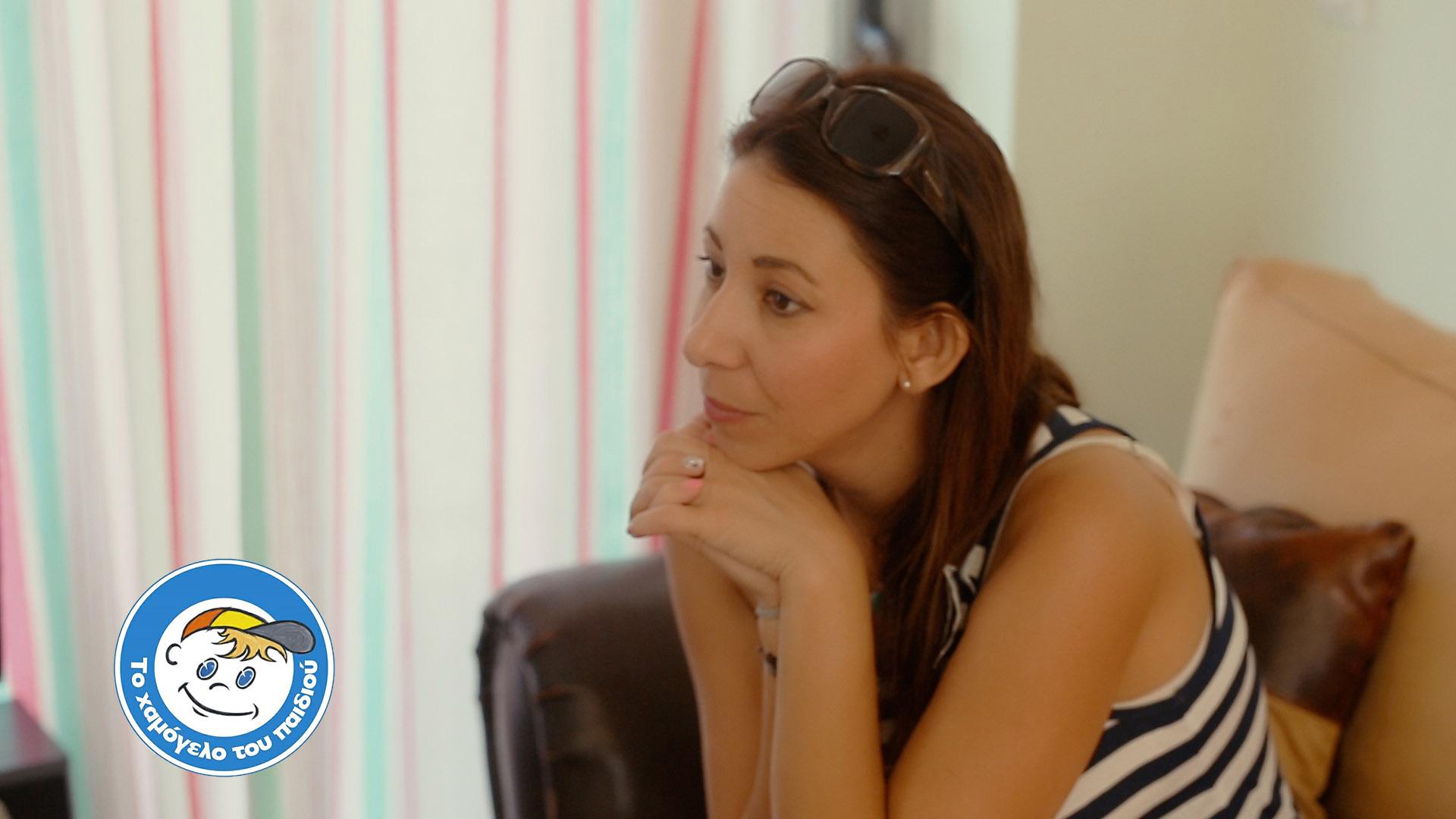
Η Νατάσσα Σιδηροκαστρίτου με την κάμερα του Eventful και του Like Natassa  με αφορμή το πρόγραμμα αλληλεγγύης της Visa το οποίο και φέτος (για δεύτερη συνεχόμενη χρονιά) υποστηρίζει 15 ΜΚΟ με 1.000.000 € σε συνεργασία με τις τράπεζες, επισκέφθηκε το "Χαμόγελο του παιδιού", προκειμένου να γνωρίσει από κοντά τις δράσεις και τις ανάγκες του!


Σχόλια Χρηστών

Recommended Comments

Δεν υπάρχει κάποιο σχόλιο

Account

Navigation

Αναζήτηση

Configure browser push notifications

Chrome (Android)
  1. Tap the lock icon next to the address bar.
  2. Tap Permissions → Notifications.
  3. Adjust your preference.
Chrome (Desktop)
  1. Click the padlock icon in the address bar.
  2. Select Site settings.
  3. Find Notifications and adjust your preference.