Γονείς
Υπο-ενότητες
-
- 70 άρθρα
-
- 45 άρθρα


22 άρθρα σε αυτή την κατηγορία
-
Όπως αναφέρει σε δημοσίευμά της η Independent, πρόσφατα μια μητέρα εξομολογήθηκε σε μια διαδικτυακή συζήτηση με άλλους γονείς ότι ήταν πολύ ανήσυχη με τη συμπεριφορά της 5χρονης κόρης της και πολλοί από όσους συμμετείχαν στη συζήτηση απάντησαν ότι όλα όσα περιγράφει ακούγονται σαν να έχει υποστεί η κόρη της σεξουαλική κακοποίηση. Σύμφωνα με τις περιγραφές της μητέρας «τον τελευταίο μήνα, η συμπεριφορά της έχει αλλάξει απότομα και έχει γίνει επιθετική. Κινείται διαρκώς, τρέχει παντού, μιλάει ακα
- Μπορεί ένας γονιός να «διαβάσει» τα σημάδια μιας πιθανής σεξουαλικής κακοποίησης στο παιδί του; Ορισμένα από αυτά είναι πολύ ανησυχητικά για αυτό και είναι σημαντικό οι γονείς να γνωρίζουν πότε θα πρέπει να αναλάβουν δράση για να προστατεύσουν το παιδί τους.
-
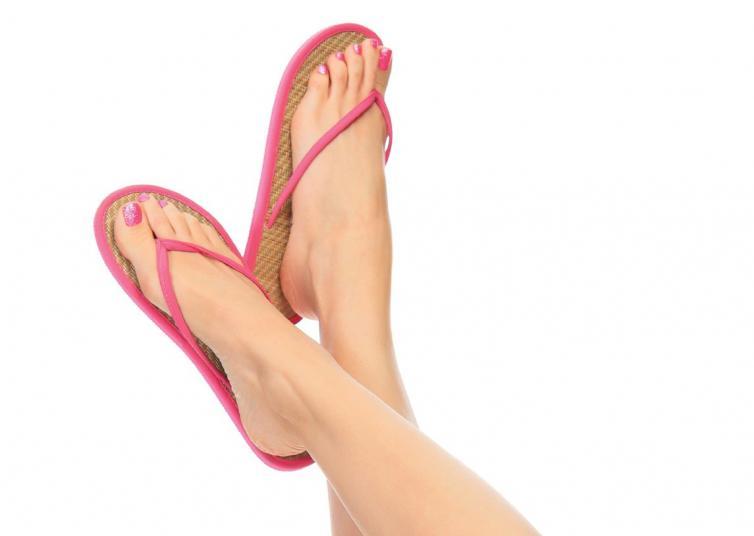
Ωστόσο, υπάρχουν αρκετοί τρόποι για την ανακούφιση της διόγκωσης από τις καθημερινές αιτίες και μερικές φορές μπορείτε ακόμη και να την αποτρέψετε. Αυτό συμβαίνει όταν το σώμα σας διατηρεί το υγρό, στους αστραγάλους και τα πόδια. Συχνά εμφανίζεται και στις δύο πλευρές του σώματος και δεν πρόκειται για κατάσταση έκτακτης ανάγκης. Δείτε όμως κάποια πράγματα που μπορείτε να κάνετε για να αποτρέψετε τον πόνο και το πρήξιμο των ποδιών σας: *Κάλτσες συμπίεσης. Διατίθενται στο φαρμακείο, οι κάλτσες
- Η διόγκωση των αστραγάλων και των ποδιών σας είναι δυσάρεστη και μερικές φορές σας εμποδίζει να κινηθείτε ελεύθερα.
-
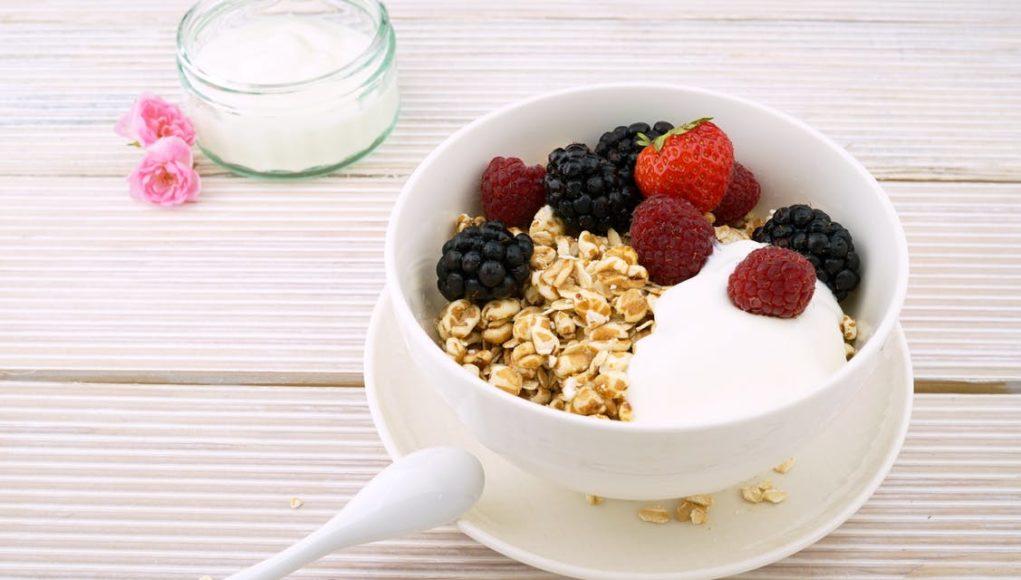
Αν, όμως, θέλουμε να επιστρέψουμε ανανεωμένοι και χωρίς περιττά κιλά, είναι καλό να ακολουθούμε τρεις βασικούς κανόνες: τρώμε ένα καλό και υγιεινό πρωινό, προσέχουμε τι τρώμε στην ταβέρνα και αποφεύγουμε τα συσκευασμένα τρόφιμα. Στις διακοπές αλλάζουν σημαντικά οι συνήθειές μας σε σχέση με το πιο δομημένο πρόγραμμα διατροφής του χειμώνα. Οι αλλαγές αυτές τις περισσότερες φορές έχουν ως συνέπεια να αυξάνονται οι θερμίδες που λαμβάνουμε, χωρίς όμως ταυτόχρονη αύξηση
- Xαλάρωση, ξεγνοιασιά, ανεμελιά: Οι τρεις αυτές λέξεις περικλείουν το νόημα των καλοκαιρινών διακοπών, κατά τη διάρκεια των οποίων αλλάζουν -κατά κύριο λόγο προς το χειρότερο- και οι διατροφικές μας συνήθειες.
-
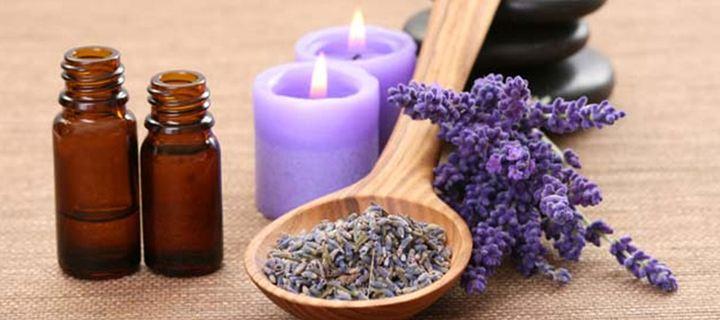
Υλικά 2 κ.σ. λοσιόν αμαμελίδας 10 σταγόνες αιθ. έλαιo χαμομηλιού 10 σταγόνες αιθ. έλαιο λεβάντας Εκτέλεση Ανακάτεψε όλα τα υλικά σε ένα μπουκάλι spray. Χρήση Πριν τον ύπνο ψέκασε το σώμα σου ή το μαξιλάρι σου. Ακόμα μπορείς να χρησιμοποιήσεις το σπρέι ψεκάζοντας τον αέρα στον χώρο. Το χαλαρωτικό άρωμα του χαμομηλιού και της λεβάντας θα σε βοηθήσουν να χαλαρώσεις και να έχεις έναν καλύτερο, ήρεμο ύπνο.
- Φτιάξε μόνη σου ένα αναζωογονητικό θεραπευτικό spray σώματος που θα σε βοηθήσει να χαλαρώσεις με την υπέροχη μυρωδιά της λεβάντας!
-
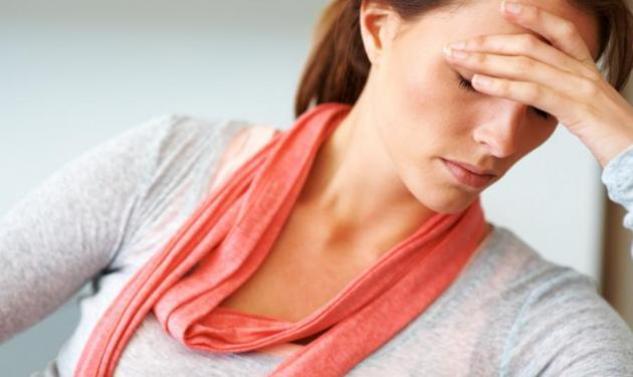
Είναι γεγονός ότι η καθημερινή ζωή όλων μας έχει καταστεί πολύ πιο δύσκολη το τελευταίο χρονικό διάστημα. Ξέρατε πως η ξαφνική ενίσχυση του άγχους, αποδιοργανώνει το ανοσοποιητικό σας σύστημα και σας καθιστά σε μεγάλο βαθμό πιο ευάλωττους σε αρρώστιες; Το σημείο κλειδί βρίσκεται στην ισχυρότερη δημιουργία κορτιζόλης από το σώμα, μιας ορμόνης η οποία έχει στιγματιστεί ως η «ορμόνη του άγχους». Με ποιον τρόπο η κορτιζόλη καταστρέφει το ανοσοποιητικό σύστημα Η κορτιζόλη συνθλίβει το ανοσοποιητικό
- Συνεχώς και πιο πολλοί άνθρωποι έρχονται αντιμέτωποι με καταστάσεις έντονου στρες και συνεχούς άγχους.
-
Τα ευχάριστα νέα είναι ότι θα μπορούσες να τον αποφύγεις, αν ήξερες τον ενδεδειγμένο τρόπο για να το κουβαλήσεις. Η Dr Emily Puente μας παρουσιάζει μία απλή κίνηση η οποία σίγουρα κάνει τα πράγματα αρκετά πιο εύκολα… Δες το βίντεο:
- Αν είσαι μητέρα, τότε το πιθανότερο θα σου είναι γνωστός ο πόνος στη μέση από το μεταφορά του βρεφικού καθίσματος του αυτοκινήτου.
-
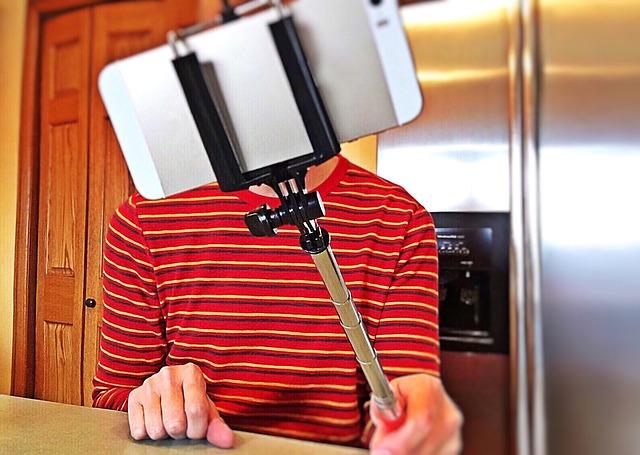
Μία τάση η οποία εξελίχθηκε σε μανία... Οι «selfies» αποτελούν το δίχως άλλο την απόλυτη τάση του σήμερα. Το να φωτογραφίζεις τον ίδιο σου τον εαυτό, έχει πια γίνει μια καθημερινή ρουτίνα για πολλούς σε ολόκληρο τον πλανήτη, ενώ την ίδια ώρα οι άνθρωποι έχουν κατορθώσει να συσχετίσουν τις «selfies» με ένα είδος αυταρέσκειας. Οι φώτος αυτές, μολαταύτα, ελλοχεύουν κινδύνους, σύμφωνα με διεθνούς φήμης ψυχολόγους και με μελέτες οι οποίες έχουν γίνει πρόσφατα. Ένας από τους κινδύνους αυτούς, είναι πω
- Τα παιδιά διατρέχουν τον κίνδυνο να «μη βιώσουν απολύτως τίποτε, παρά αποκλειστικά και μόνο μέσω του φωτογραφικού φακού»!
-
Από τραυματισμούς μέχρι μύκητες, τα πόδια είναι σίγουρα ευάλωτα στη περίοδο του καλοκαιριού και αν δεν λάβουμε τα κατάλληλα μέτρα ενδέχεται να εξελιχθούν σε μια μεγάλη «πληγή», ικανή να προκαλέσει δυσκολίες στα ταξίδια ή τις εκδρομές στις παραλίες. Οι ελαφράς μορφής τραυματισμοί στην παραλία αποτελούν συχνό φαινόμενο, καθώς και οι εκδορές που προκαλούνται λόγω των παπουτσιών που επιλέγουμε. Τι πρέπει να κάνει κανείς, επομένως, ούτως ώστε να γλιτώσει την ταλαιπωρία; Φόρεσε τα σωστά παπούτσια Το
- Τα πόδια είναι ένα ευάλωττο μέρος του κορμιού το οποίο καταπονείται ιδιαίτερα στη διάρκεια του καλοκαιριού.
-
Η Κατερίνα Δούμα-Μιχελάκη, DDS, PhD, ειδική ορθοδοντικός παιδιών και ενηλίκων, εξηγεί τι κάνουμε λάθος και τι μπορούμε να κάνουμε για να προστατευθούμε: 1. Καταναλώνουμε πολλά όξινα ροφήματα Κάθε είδους ροφήματα με ανθρακικό και όξινα συστατικά, ακόμα και αν είναι σκέτο μεταλλικό νερό, ξίδι ή αλκοολούχα ποτά, μπορεί να διαβρώσουν την εξωτερική στοιβάδα των δοντιών, την αδαμαντίνη ουσία. Η ουσία αυτή είναι πολύ ανθεκτική αλλά με τον καιρό φθείρεται και λεπταίνει, με
- Υπάρχουν πολλές συνήθειες που μπορεί να βλάψουν τα δόντια και μερικές είναι πολύ πιο συχνές απ’ ό,τι νομίζουμε.
-
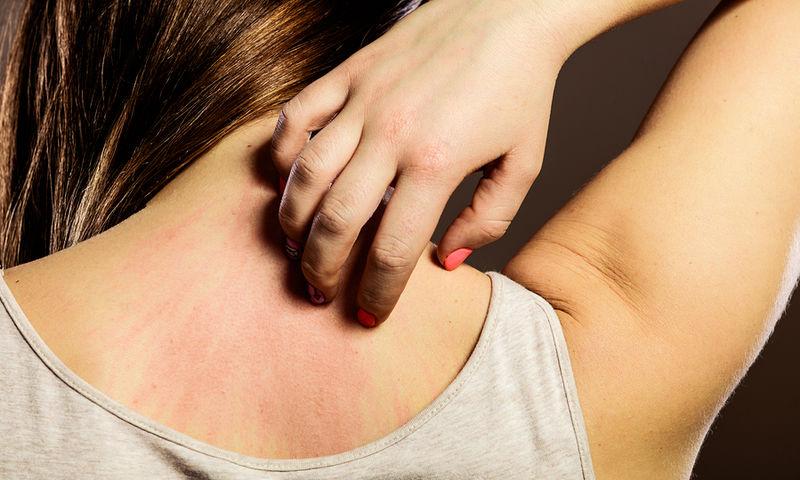
Ένας μη αναμενόμενος λόγος εξαιτίας του οποίου μία στις δύο 20χρονες γυναίκες αποκτούν επίμονα σπυράκια στην πλάτη, είναι ο τρόπος που λούζονται, ισχυρίζεται μία Αμερικανή δερματολόγος. Σύμφωνα με την Christie Kidd από την Καλιφόρνια, στις ηλικίες 20-29 ετών παρουσιάζεται έξαρση στα σπυράκια στην πλάτη που, ακόμη και στις περιπτώσεις που οφείλονται σε ακμή, πιθανό να επιδεινώνονται από τον τρόπο λουσίματος. «Οι πιο πολλοί άνθρωποι λούζονται όρθιοι ή καθιστοί στην μπαν
- Πολλές νεαρές γυναίκες διαθέτουν επίμονα σπυράκια στην πλάτη. Η κύρια αιτία της ακμής είναι ως γνωστό η λιπαρότητα της επιδερμίδας.
- Πολλές νεαρές γυναίκες διαθέτουν επίμονα σπυράκια στην πλάτη. Η κύρια αιτία της ακμής είναι ως γνωστό η λιπαρότητα της επιδερμίδας.