
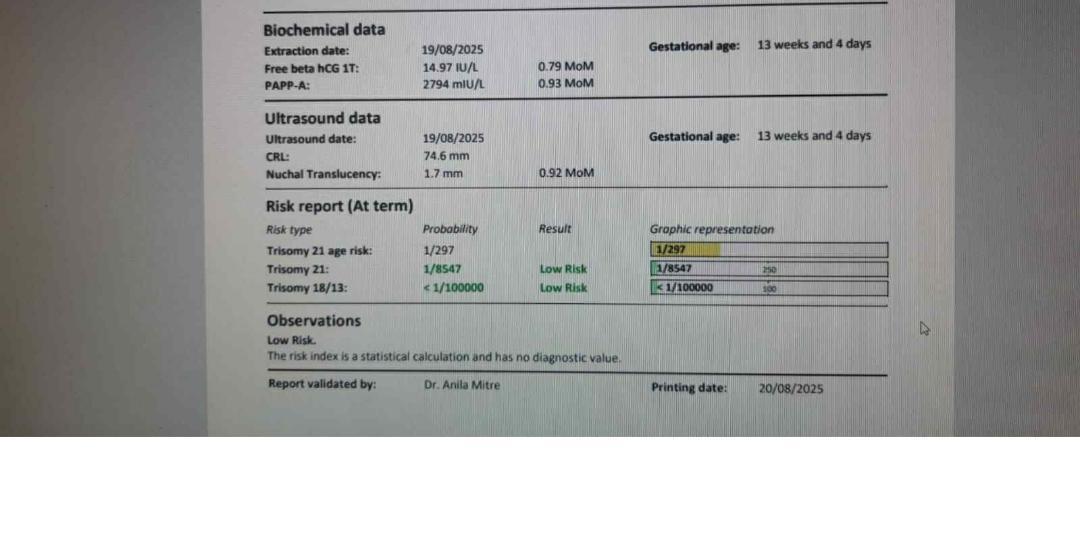
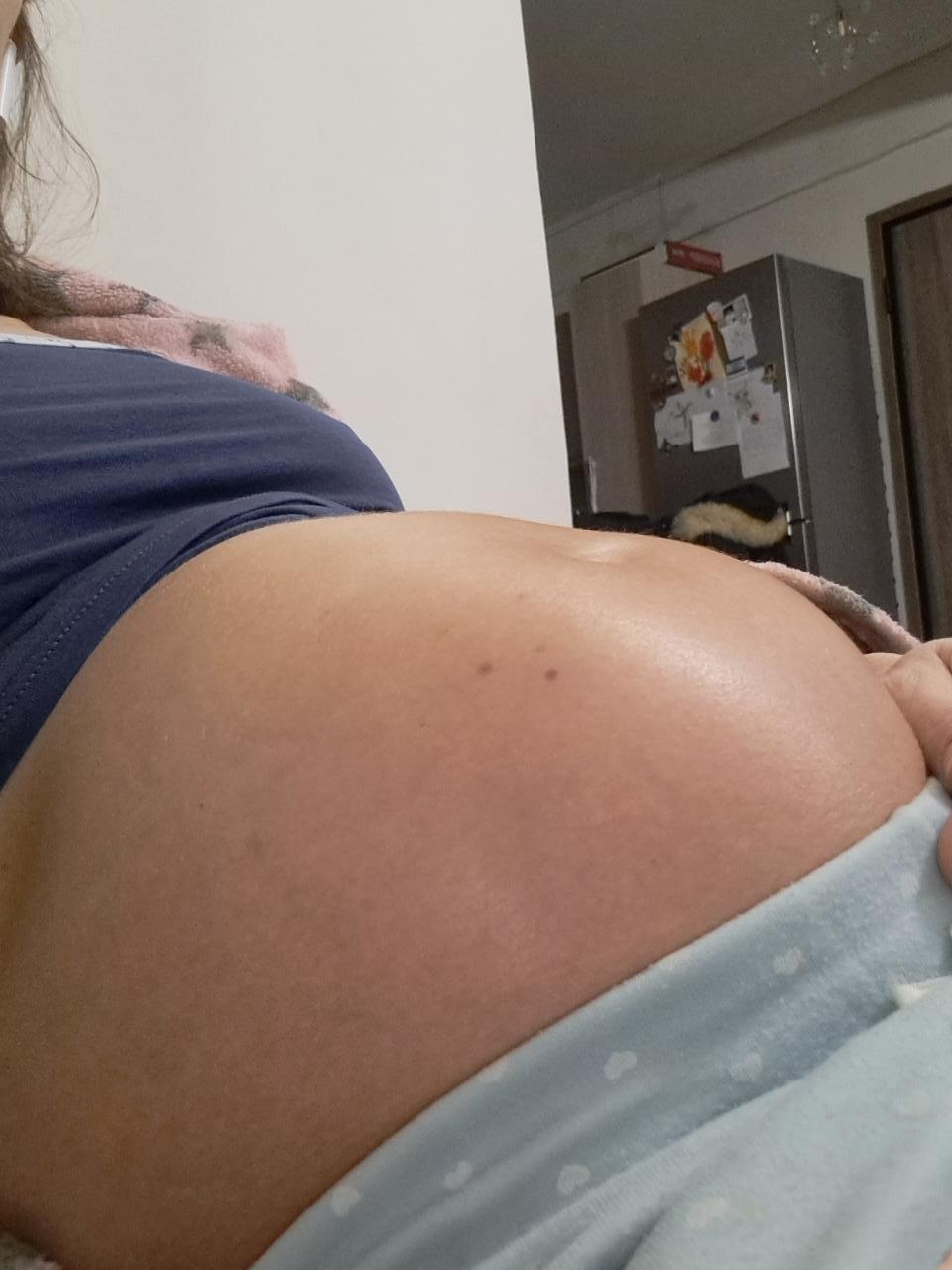
eimai egkuos i oxi ?

Featured Replies
Πρόσφατες Απαντήσεις
-
Κορίτσια μου καλο μήνα και καλη επιτυχία σε όσες απομειναμε να περιμένουμε το θαυμα μας❤️
-
Καλησπέρα. Θα χρειαστω σύντομα ενέσεις pergoveris. Αν κάποια κοπέλα διαθέτει και επιθυμεί να τις δωρίσει, θα το εκτιμούσα.
-
Καλησπέρα, Μου έχουν περισσέψει κάποια φάρμακα από τις εξωσωματικές που είχα κάνει και τα χαρίζω. 1) Meriofert 150 IU 9 ενεσουλες, οι οποίες λήγουν τον Ιούλιο 2025 2) 1 Gonal 900 IU λήγει και αυτή τον Ιούλιο 2025 3) Inohep ενεσουλες 4500 anti -Xa 4 τεμ. 4) Olgalutran 0.25mg/05ml ενεσουλες 2 τεμ. Αυτά είναι Σε περίπτωση που τα χρειάζεστε ή γνωρίζετε κάποιους που να τα χρειάζονται, περιμένω μήνυμα σας.
-
Καλησπέρα κορίτσια διστακτικά είπα να ανοίξω το θεματάκι για τα μωράκια του Μαΐου εγώ είμαι 9 εβδ σήμερα πήγα γιατρό μου είπε μετά της 28/10 να κλείσω ραντεβού για την αυχενική είναι καμιά άλλη κοπέλα να γεννάει Μάιο ;;
-
Γειά σας κορίτσια!!! Ανοίγω το θεματάκι για να μαζευτούμε όσες περιμένουμε μωράκι χριστουγεννιάτικο ή πρωτοχρονιάτικο!👶🎅🎄 Εμάς μας έχει δώσει ΠΗΤ 2/1/25❤️ και βρίσκομαι στην εβδομάδα 8 + 5 μέρες!!! Ανυπομονώ να περάσει το 1ο τρίμηνο να περάσει ο μεγάλος κίνδυνος και να χαρώ την εγκυμοσύνη μου! Εύχομαι να μαζευτούμε αρκετές και να μοιραζόμαστε τα νέα μας!
-
@Παρασκευαιδου @melitiniღ @Kateriniw μετακομιζουμε εδώ λοιπόν!! Με το καλό να μαζευτούμε να λέμε να νέα μας! Τελειομηνες εγκυμοσύνες σε όλες μας!
-
Καλησπέρα κορίτσια το φύλλο του μωρού στην αρχική εκτίμηση της αυχενικής σας επιβεβαιώθηκε και στη συνέχεια;
-
Καλησπερα σε ολες τις μανουλες εκει εξω! Προσφατα αρχισα να ψαχνομαι μιας και σιγα σιγα ανοιγει ο καιρος για ρουχαλακια για την κορουλα μου. Επεσα πανω στην ανοιξιατικη collection της Alouette. Μπορω να πω οτι τα σχεδιακια και οι επιλογες μου αρεσαν αρκετα. Ειδικα τα φορμακια τους φαινονται παρα πολυ καλα σε ποιοτητα. Ποια ειναι η γνωμη σας; Θα ηθελα να σας ακουσω.
-
Κορίτσια ανοίγω αυτό το θεματακι για να ζήσουμε όλες μαζί το ταξίδι αυτό μέχρι να κρατήσουμε τα θαυματακια μας αγκαλιά!🫶 ελπίζω κάθε φόβο και ανησυχία να τα αφήσουμε πίσω και όλα να πάνε κατ'ευχήν!!!! Είμαι 9εβδ , το μωράκι έχει ήδη αρχίσει να παίρνει μορφή, ποδαράκια χεράκια, τόσο όμορφο 😊 κλείσαμε αυχενική στις 4/11 και ήρθε η ώρα για τις πρώτες εξετάσεις!!
-
Έχουμε άλλες μαμαδές που να περιμένουν το θαυματάκι τους τον Μάρτη του 2026;; Για να μαζευόμαστε να λέμε τα νέα μας














.thumb.jpg.7907cf647c6553479c49b1ceb37e5f1b.jpg)

Νέες Συζητήσεις
-
Καλησπέρα. Θα χρειαστω σύντομα ενέσεις pergoveris. Αν κάποια κοπέλα διαθέτει και επιθυμεί να τις δωρίσει, θα το εκτιμούσα.
-
Καλησπερα σε ολες τις μανουλες εκει εξω! Προσφατα αρχισα να ψαχνομαι μιας και σιγα σιγα ανοιγει ο καιρος για ρουχαλακια για την κορουλα μου. Επεσα πανω στην ανοιξιατικη collection της Alouette. Μπορω να πω οτι τα σχεδιακια και οι επιλογες μου αρεσαν αρκετα. Ειδικα τα φορμακια τους φαινονται παρα πολυ καλα σε ποιοτητα. Ποια ειναι η γνωμη σας; Θα ηθελα να σας ακουσω.
-
Καλησπέρα κορίτσια το φύλλο του μωρού στην αρχική εκτίμηση της αυχενικής σας επιβεβαιώθηκε και στη συνέχεια;
-
Κορίτσια καλησπέρα! Είμαι 33+ εβδομάδων και είχα μερική ρήξη υμένων με λίγες απώλειες υγρών. Είχα και συσπάσεις, για τις οποίες πήρα αγωγή στο νοσοκομείο: τοκολυτικά (Tractocile) αντιβίωση κορτιζόνη για πνευμονάκια Τώρα έχουν ηρεμήσει αρκετά, έχω μόνο λίγες σταγόνες υγρών και μου λένε ίσως φύγω σπίτι αν όλα είναι καλά. Το μωρό είναι περίπου 2070γρ και καλό στον υπέρηχο . Έχει κάποια παρόμοια εμπειρία; Πόσο κρατήσατε μετά τη ρήξη; Σας άφησαν σπίτι; Πήγατε για πρόκληση ή καισαρική; Έχω λίγο άγχος
-
Καλημέρα σε όλες τις μανούλες και σε όσες επιθυμούν να γίνουν μανούλες φυσικά. Γράφω πρώτη φορά διότι πραγματικά θέλω απλά να μιλήσω!! Είμαι έγκυος (το προσπαθούσαμε) και είμαι υπό την αγωγή αντικαταθλιπτικών! Εχω χρόνιο άγχος, καταθλιπτικές ημέρες κοκ.. Είμαι στην φάση που το κόβω τώρα καθώς αυτή την οδηγία είχα, αλλά φοβάμαι πάρα πολύ μήπως επανέλθουν οι άσχημες σκέψεις, το άγχος και όλο αυτό που μπορεί να περνάει ένας άνθρωπος διεγνωσμένος με ΓΑΔ. Θέλω να ρωτήσω αν υπάρχει κάποια άλλη μανούλα


Συμμετοχή στη συζήτηση
Μπορείτε να γράψετε τώρα το μήνυμά σας και να εγγραφείτε μετά. Αν έχετε ήδη λογαριασμό, συνδεθείτε τώρα για να δημοσιεύσετε το μήνυμα με το ψευδώνυμό σας.
Note: Your post will require moderator approval before it will be visible.