

Μετάβαση σε περιεχόμενο
View in the app

A better way to browse. Learn more.

Mammyland

A full-screen app on your home screen with push notifications, badges and more.

To install this app on iOS and iPadOS
  1. Tap the Share icon in Safari
  2. Scroll the menu and tap Add to Home Screen.
  3. Tap Add in the top-right corner.
To install this app on Android
  1. Tap the 3-dot menu (⋮) in the top-right corner of the browser.
  2. Tap Add to Home screen or Install app.
  3. Confirm by tapping Install.

Η αντίδραση των παιδιών όταν μαθαίνουν ότι η μαμά τους είναι έγκυος! (βίντεο)


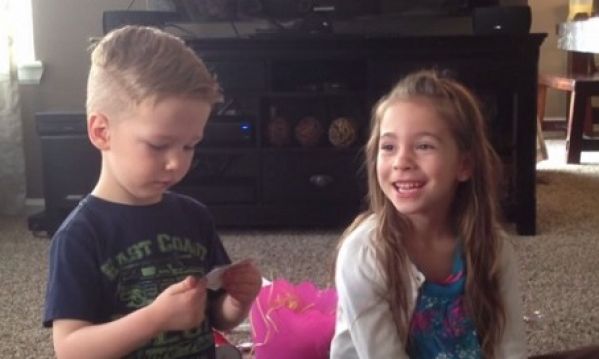
  • <p><span style="font-size:14px;">Στο βίντεο που ακολουθεί ο μπαμπάς φωνάζει τα δύο παιδάκια του για να ανακοινώσει την εγκυμοσύνη της συζύγου του. </span></p>

Βρίσκει όμως έναν αρκετά πρωτότυπο τρόπο. Μέσα σε δύο κουτάκια που τους δίνει, έχει βάλει μέσα το υπερηχογράφημα του μωρού. Μόλις το δουν, εκείνος τους λέει ότι η μαμά τους είναι έγκυος κι εκείνα θα αποκτήσουν τρίτο αδελφάκι!

Ποια είναι η αντίδρασή τους; Δείτε το βίντεο!

Σχόλια Χρηστών

Recommended Comments

Δεν υπάρχει κάποιο σχόλιο

Account

Navigation

Αναζήτηση

Configure browser push notifications

Chrome (Android)
  1. Tap the lock icon next to the address bar.
  2. Tap Permissions → Notifications.
  3. Adjust your preference.
Chrome (Desktop)
  1. Click the padlock icon in the address bar.
  2. Select Site settings.
  3. Find Notifications and adjust your preference.