

Μετάβαση σε περιεχόμενο
View in the app

A better way to browse. Learn more.

Mammyland

A full-screen app on your home screen with push notifications, badges and more.

To install this app on iOS and iPadOS
  1. Tap the Share icon in Safari
  2. Scroll the menu and tap Add to Home Screen.
  3. Tap Add in the top-right corner.
To install this app on Android
  1. Tap the 3-dot menu (⋮) in the top-right corner of the browser.
  2. Tap Add to Home screen or Install app.
  3. Confirm by tapping Install.

Εσύ με έκανες μαμά. Ένα συγκινητικό βίντεο για την μητρότητα


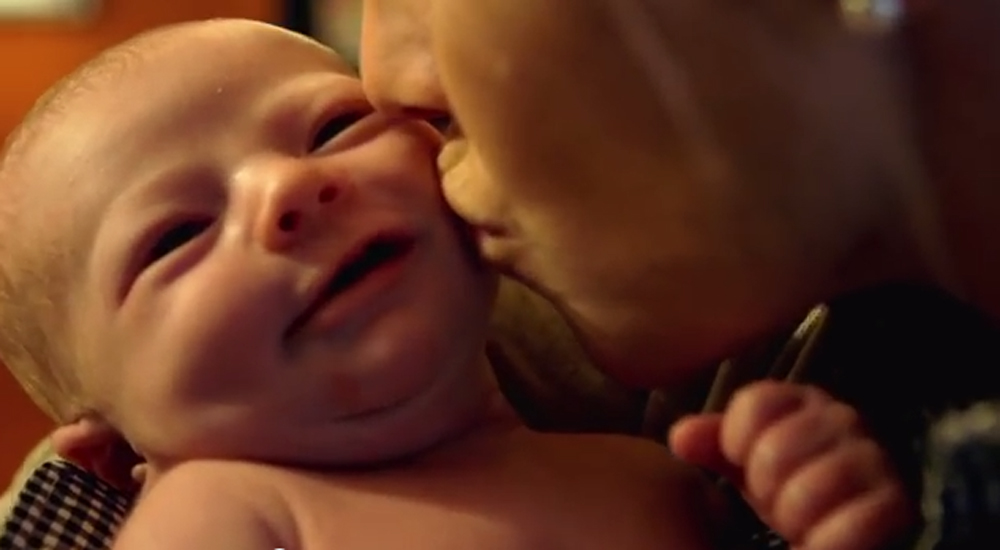
  • <p>Το παρακάτω ολιγόλεπτο βίντεο περιγράφει με γλυκά λόγια και όμορφες εικόνες τι πραγματικά σημαίνει να είσαι μητέρα.</p>

Δημιουργήθηκε από την Boba, μια εταιρεία για μάρσιπους και βασίζεται στις απόψεις για την μητρότητα των μαμάδων που είναι μέλη της ηλεκτρονικής κοινότητας της εταιρείας.

Τίτλος του υπέροχου αυτού βίντεο "Εσύ με έκανες μαμά". Θα σας συγκινήσει, θα σας ταξιδέψει στον κόσμο της μητρότητας και αν είστε ήδη μαμά θα ταυτιστείτε σίγουρα με τις εικόνες που θα δείτε και τις φράσεις που θα ακούσετε.

Σχόλια Χρηστών

Recommended Comments

Δεν υπάρχει κάποιο σχόλιο

Account

Navigation

Αναζήτηση

Configure browser push notifications

Chrome (Android)
  1. Tap the lock icon next to the address bar.
  2. Tap Permissions → Notifications.
  3. Adjust your preference.
Chrome (Desktop)
  1. Click the padlock icon in the address bar.
  2. Select Site settings.
  3. Find Notifications and adjust your preference.