

Μετάβαση σε περιεχόμενο
View in the app

A better way to browse. Learn more.

Mammyland

A full-screen app on your home screen with push notifications, badges and more.

To install this app on iOS and iPadOS
  1. Tap the Share icon in Safari
  2. Scroll the menu and tap Add to Home Screen.
  3. Tap Add in the top-right corner.
To install this app on Android
  1. Tap the 3-dot menu (⋮) in the top-right corner of the browser.
  2. Tap Add to Home screen or Install app.
  3. Confirm by tapping Install.

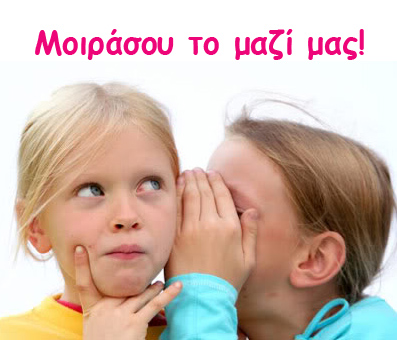
Μοιράσου το μαζί μας!


  • <p>Ο λαός μας είναι σοφός και λέει: "Μοιρασμένη χαρά...διπλή χαρά! Μοιρασμένη λύπη...μισή λύπη!"</p>

Εξιστορώντας την ιστορία σας μπορείτε να δώσετε δύναμη με τη φωνή σας σε όλες τις γυναίκες που δίνουν αγώνα για την απόκτηση ενός παιδιού, να συνεχίσουν την προσπάθειά τους και να τα καταφέρουν!

Αν θέλετε μπορείτε να μοιραστείτε μαζί μας την προσωπική σας εμπειρία πριν ή κατά τη διάρκεια της εγκυμοσύνης σας, την δική σας μοναδική ιστορία τοκετού, ιδέες από τα παιδικά δωμάτια, τα παιδικά πάρτι και τη βάφτιση των παιδιών σας.

Διαλέξτε τις αγαπημένες σας φωτογραφίες, γράψτε μας λίγα λογάκια και στείλτε τα μας στο info@mammyland.com

Σχόλια Χρηστών

Recommended Comments

Δεν υπάρχει κάποιο σχόλιο

Account

Navigation

Αναζήτηση

Configure browser push notifications

Chrome (Android)
  1. Tap the lock icon next to the address bar.
  2. Tap Permissions → Notifications.
  3. Adjust your preference.
Chrome (Desktop)
  1. Click the padlock icon in the address bar.
  2. Select Site settings.
  3. Find Notifications and adjust your preference.