
Μετάβαση σε περιεχόμενο
View in the app

A better way to browse. Learn more.

Mammyland

A full-screen app on your home screen with push notifications, badges and more.

To install this app on iOS and iPadOS
  1. Tap the Share icon in Safari
  2. Scroll the menu and tap Add to Home Screen.
  3. Tap Add in the top-right corner.
To install this app on Android
  1. Tap the 3-dot menu (⋮) in the top-right corner of the browser.
  2. Tap Add to Home screen or Install app.
  3. Confirm by tapping Install.

Κάντο όπως ο μπαμπάς!

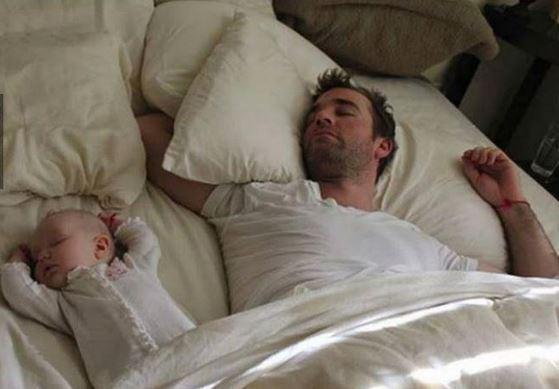
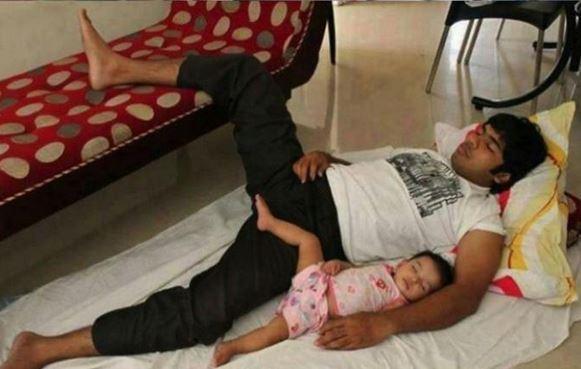
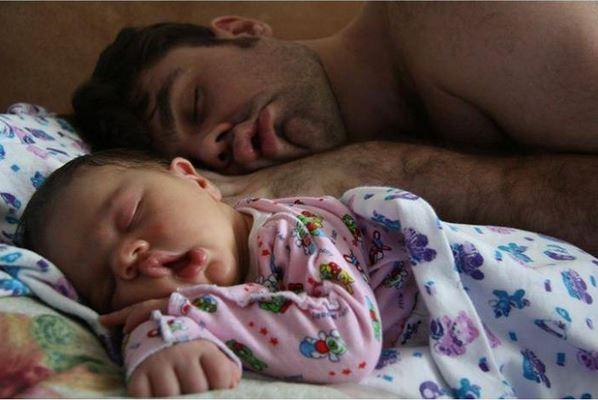
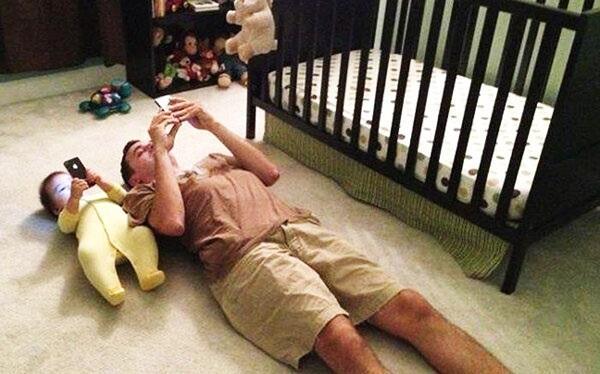
  • Ποια μανούλα δεν έχει πει ποτέ "Θεέ μου είναι ίδιος ο πατέρας του"

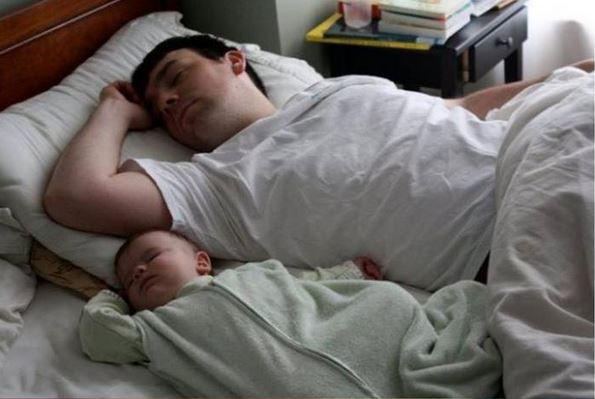
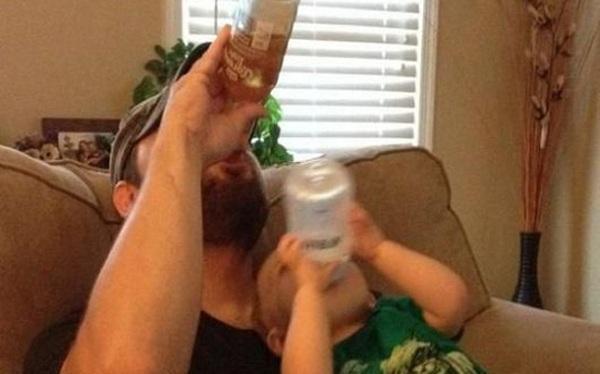
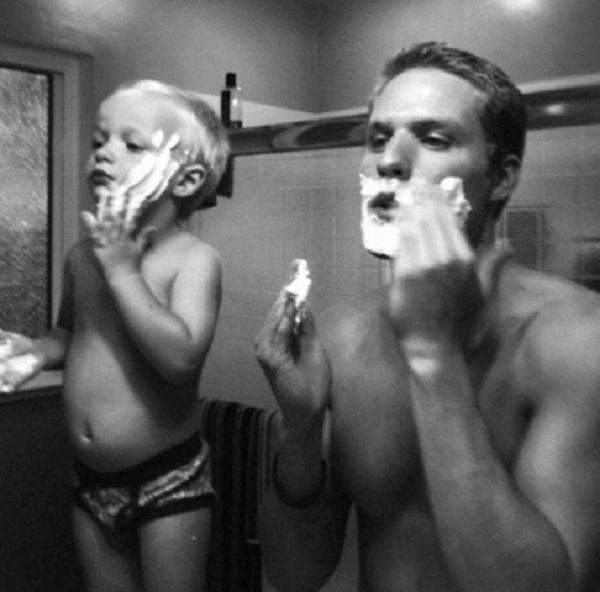
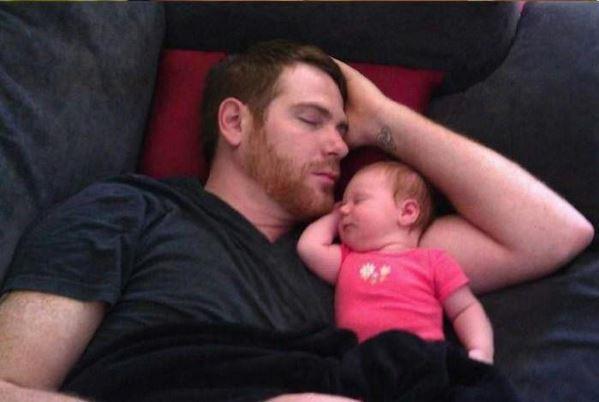
Οι παρακάτω χιουμοριστικές αλλά και πολύ τρυφερές φωτογραφίες το αποδεικνύουν. 

Ο φωτογραφικός φακός αποθανάτισε μπαμπάδες με το μωράκι τους σε στιγμές που έχουν ακριβώς την ίδια στάση, την ίδια γκριμάτσα, τις ίδιες συνήθειες και όπως πολύ σοφά λέει ο λαός "Το μήλο κάτω από τη μηλιά θα πέσει! ".

 Απολαύστε τες!


dfgesag.jpg

rtghwe.jpg

gb.JPG

gaegfvweq.jpg

fhgsrhgw.jpg

fgbdfa.JPG

fdgbfse.JPG

fdbga.JPG

fbgad.JPG

Επεξεργάστηκε από vicky86

Σχόλια Χρηστών

Recommended Comments

Δεν υπάρχει κάποιο σχόλιο

Account

Navigation

Αναζήτηση

Configure browser push notifications

Chrome (Android)
  1. Tap the lock icon next to the address bar.
  2. Tap Permissions → Notifications.
  3. Adjust your preference.
Chrome (Desktop)
  1. Click the padlock icon in the address bar.
  2. Select Site settings.
  3. Find Notifications and adjust your preference.