

Μετάβαση σε περιεχόμενο
View in the app

A better way to browse. Learn more.

Mammyland

A full-screen app on your home screen with push notifications, badges and more.

To install this app on iOS and iPadOS
  1. Tap the Share icon in Safari
  2. Scroll the menu and tap Add to Home Screen.
  3. Tap Add in the top-right corner.
To install this app on Android
  1. Tap the 3-dot menu (⋮) in the top-right corner of the browser.
  2. Tap Add to Home screen or Install app.
  3. Confirm by tapping Install.

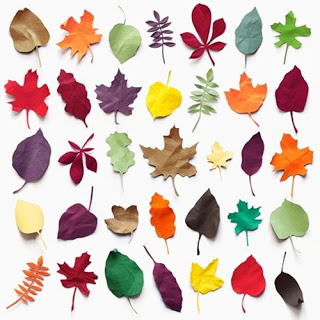
Με τα φύλλα του δέντρου φτιάχνουμε πρωτότυπες κατασκευές!


  • <p>Αρκεί μια βόλτα στο πάρκο της γειτονιάς για να μαζέψουμε όσα περισσότερα διαφορετικά φύλλα μπορούμε.</p>

Επιστρέφοντας στο σπίτι με απλά υλικά όπως κόλα, μαρκαδόρους και χαρτόνι μπορούμε να χρησιμοποιήσουμε τα φύλλα για να φτιάξουμε τις πιο υπέροχες και πρωτότυπες φθινοπωρινές χειροτεχνίες και κατασκευές. Αφήστε τη φαντασία σας και δημιουργήστε...

Παρακάτω σας δίνουμε μερικές ιδέες για το τι μπορείτε να φτιάξετε:

vzcWr77.jpg

xGgCuw0.jpg

13BmxAb.jpg

C7elhOJ.jpg

6L8VnmL.jpg

oiUaClk.jpg

Σχόλια Χρηστών

Recommended Comments

Δεν υπάρχει κάποιο σχόλιο

Account

Navigation

Αναζήτηση

Configure browser push notifications

Chrome (Android)
  1. Tap the lock icon next to the address bar.
  2. Tap Permissions → Notifications.
  3. Adjust your preference.
Chrome (Desktop)
  1. Click the padlock icon in the address bar.
  2. Select Site settings.
  3. Find Notifications and adjust your preference.